HOST COOPERATION
Make ChatBorderless
How to Become a Chamet Host
1. Link Your Account
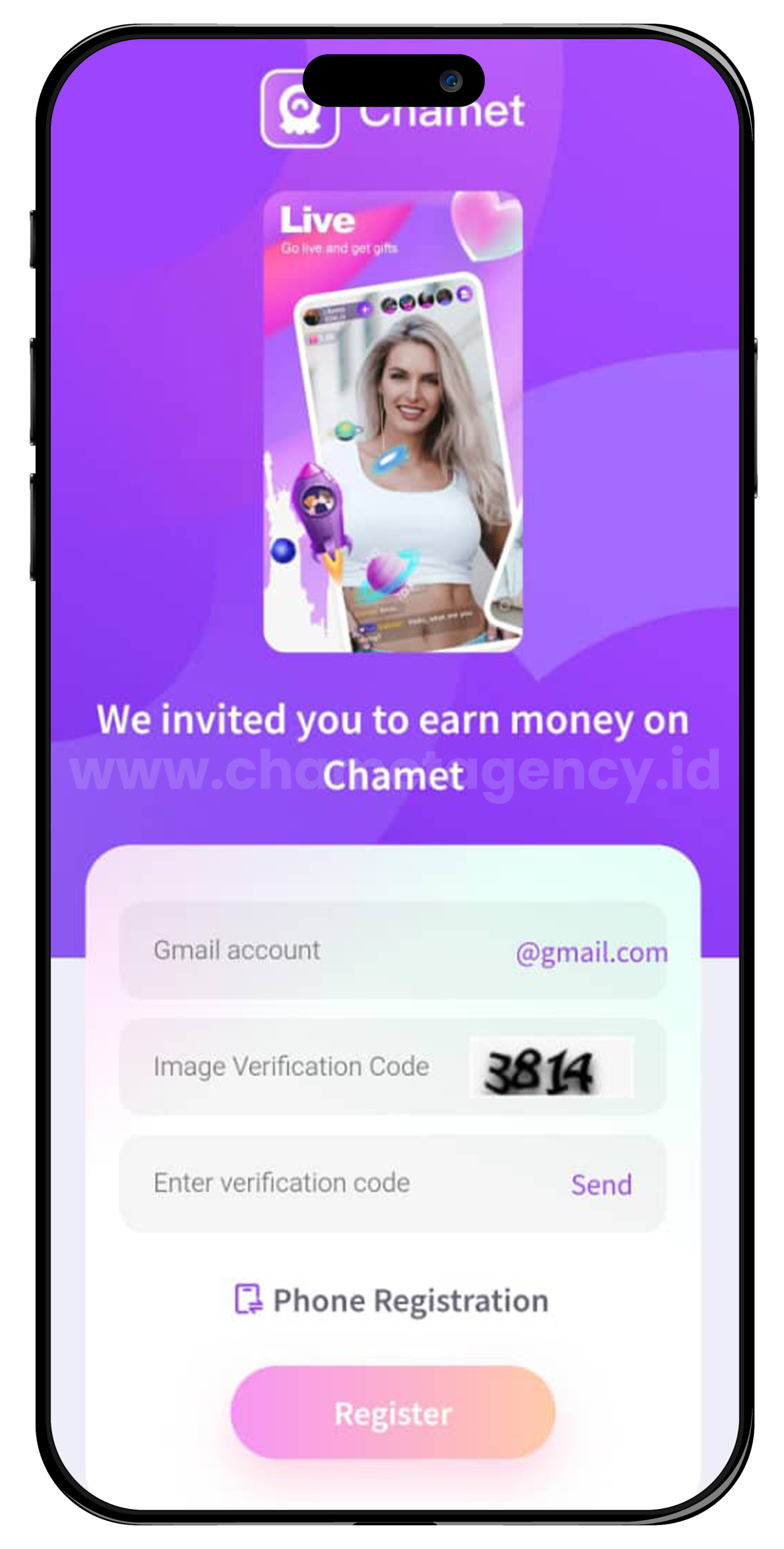
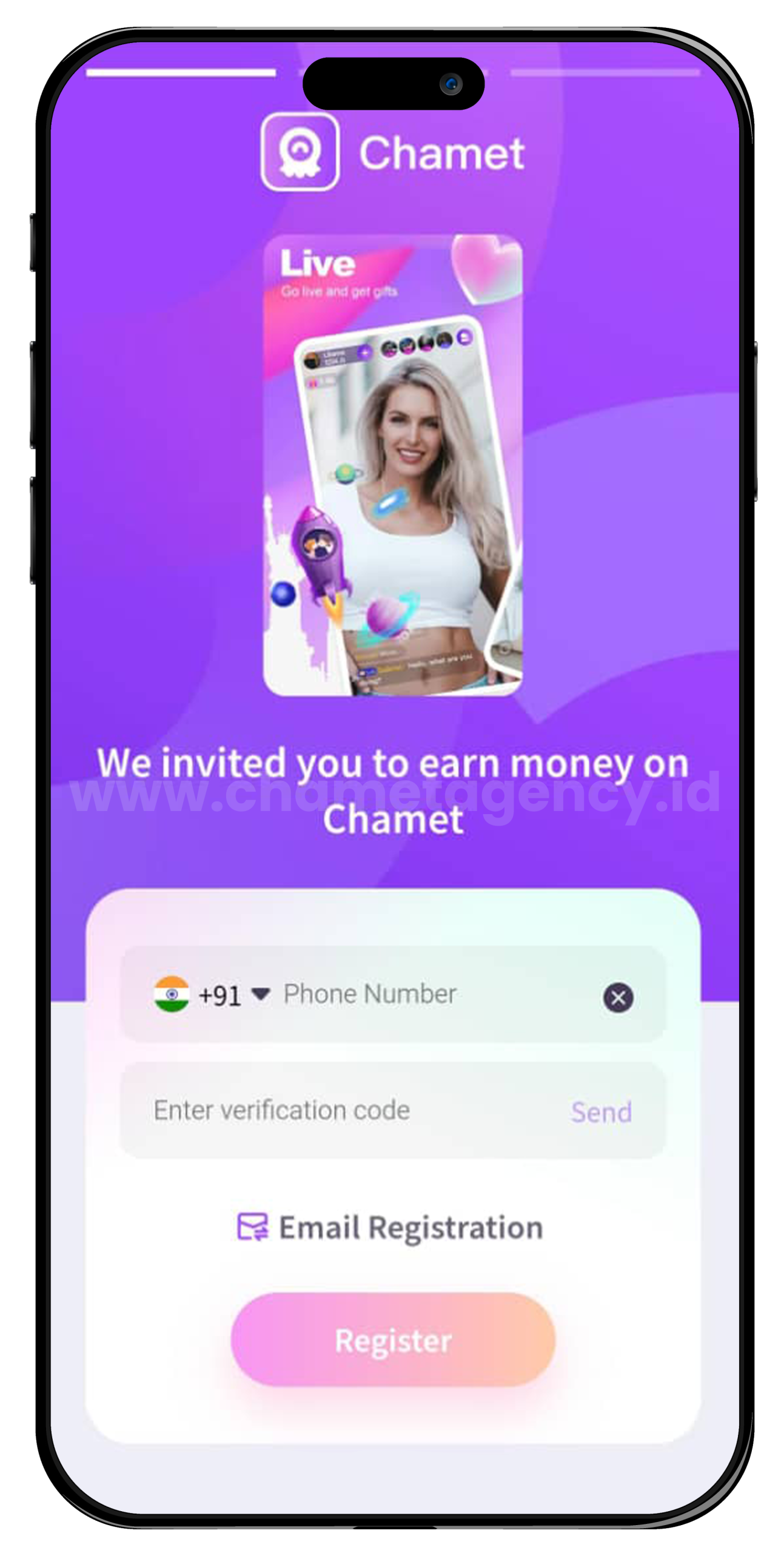
- Select the Gmail or Phone option
- Enter your details (email or phone number) and complete the verification process
3. Set Up Your Profile
- Use the same gmail or phone number you linked to login
- Add a clear photo and an attractive introduction
- This profile will be visible to user on Chamet
What is host in chamet
Hosts are active female users of our app, who video chat with other community members. Ideally aged 18-35, interested in making new social relationships, looking for a reliable source of income by working online, and wanting flexible working hours.
Why Should Streaming with Us?
Chamet know you want to control what you do for our platform. If you register with us, you will find:
01.
Chamet is a reliable and trusted partner who always makes payments on time.
02.
Chamet have various safety tools, such as your safety is priority.
03.
Amazingly simple and easy to get started.
04.
You get paid weekly, not monthly or longer.
05.
Work only 4 – 8 hours in a day and choose opportunities to earn big prizes.
Why Should You Stream on Our Platform?
We know you want to control what you do for our platform. If you register with us, you will find:
01.
We are a reliable and trusted partner who always makes payments on time.
02.
We have various safety tools, such as your safety is our priority.
03.
Amazingly simple and easy to get started.
04.
You get paid weekly, not monthly or longer.
05.
Work only 4 – 8 hours in a day and choose opportunities to earn big prizes.
Why Should You Stream on Our Platform?
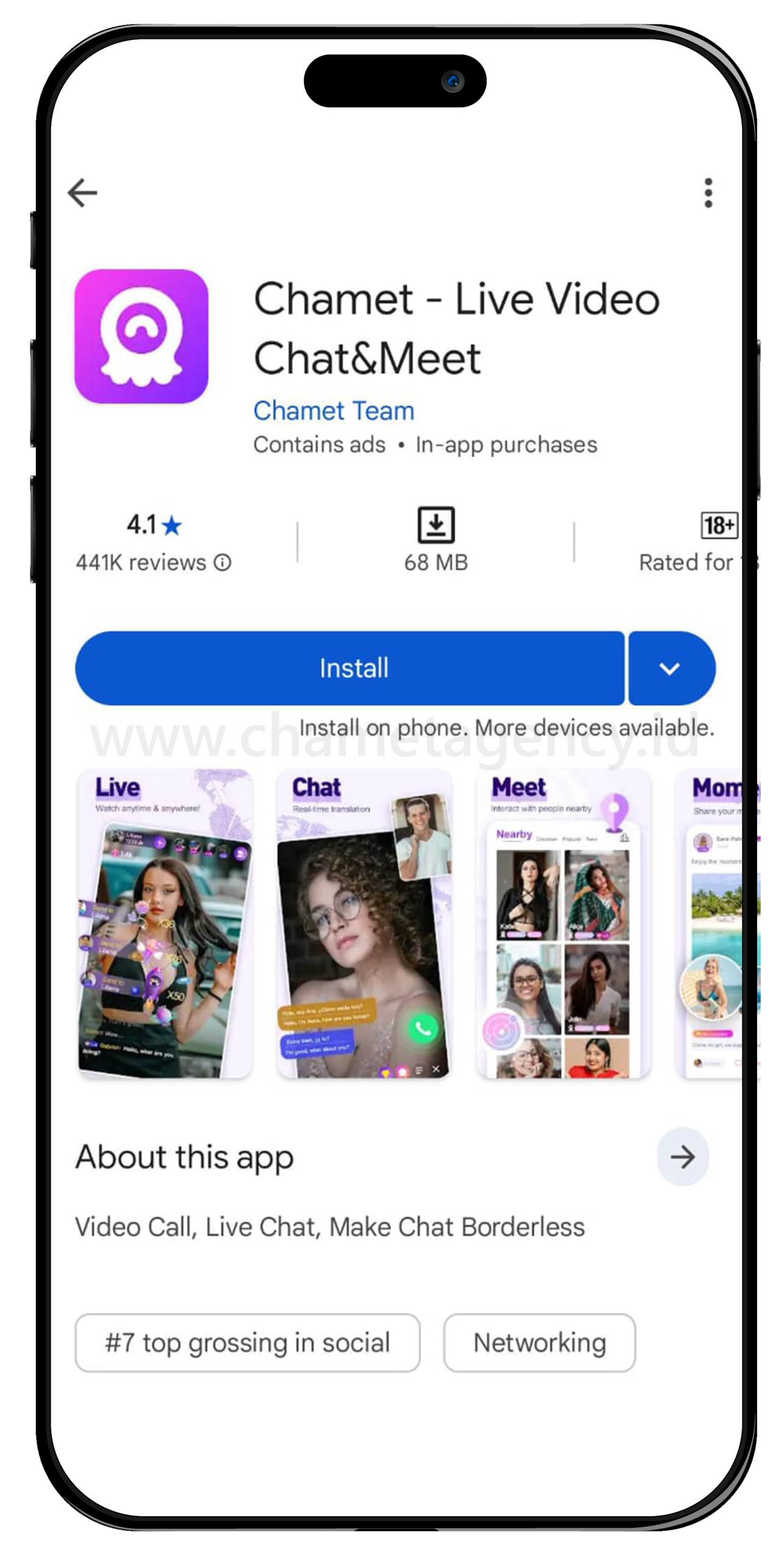
1. Download Chamet / ChametU
From Google Play or App Store.
2. Create Chamet Account
Register your own account.
3. Login
With your mobile number.
4.Complete Your Profile
Upload image (avatar first).
5. Account Approval
You can submit your profile page to our operations team for review and approval.
Chamet Standards of Live Posters and others
Begin with a Polished Look
Ensure your appearance is enhanced with makeup or use a photo with beautification.
Keep it Personal
Use a photo of yourself for authenticity.
Optimize Image Quality
Present high-definition photos with proper brightness
Maintain a Neat Background
Ensure your photos feature a tidy background.
Dress Decently
Use a half-length photo with appropriate attire.
Add a Personal Touch
Record a voice self-introduction to enhance your profile.
Rules during Live in Chamet
Keep Your Face Visible
Ensure your face remains in the frame at all times.
Optimize Lighting
Choose a bright environment for better visibility.
Grooming Matters
Apply makeup and dress decently for a polished appearance.
Use Earphones
Enhance audio quality by using earphones.
Maintain an Upright Position
Avoid lying down during live streaming to maintain an engaging and professional presentation.
How to Complete Face Verification
1. Open The Chamet App
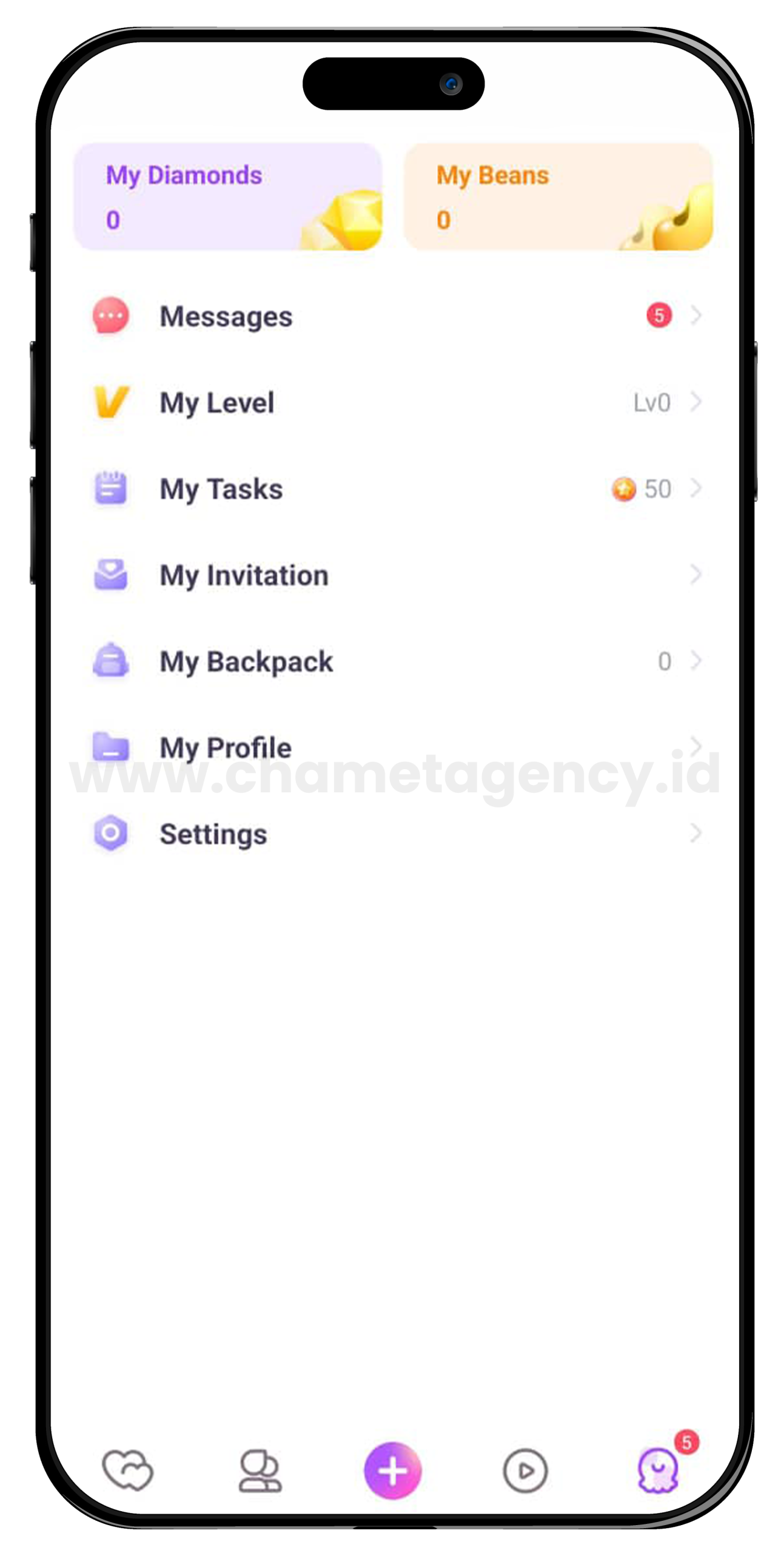
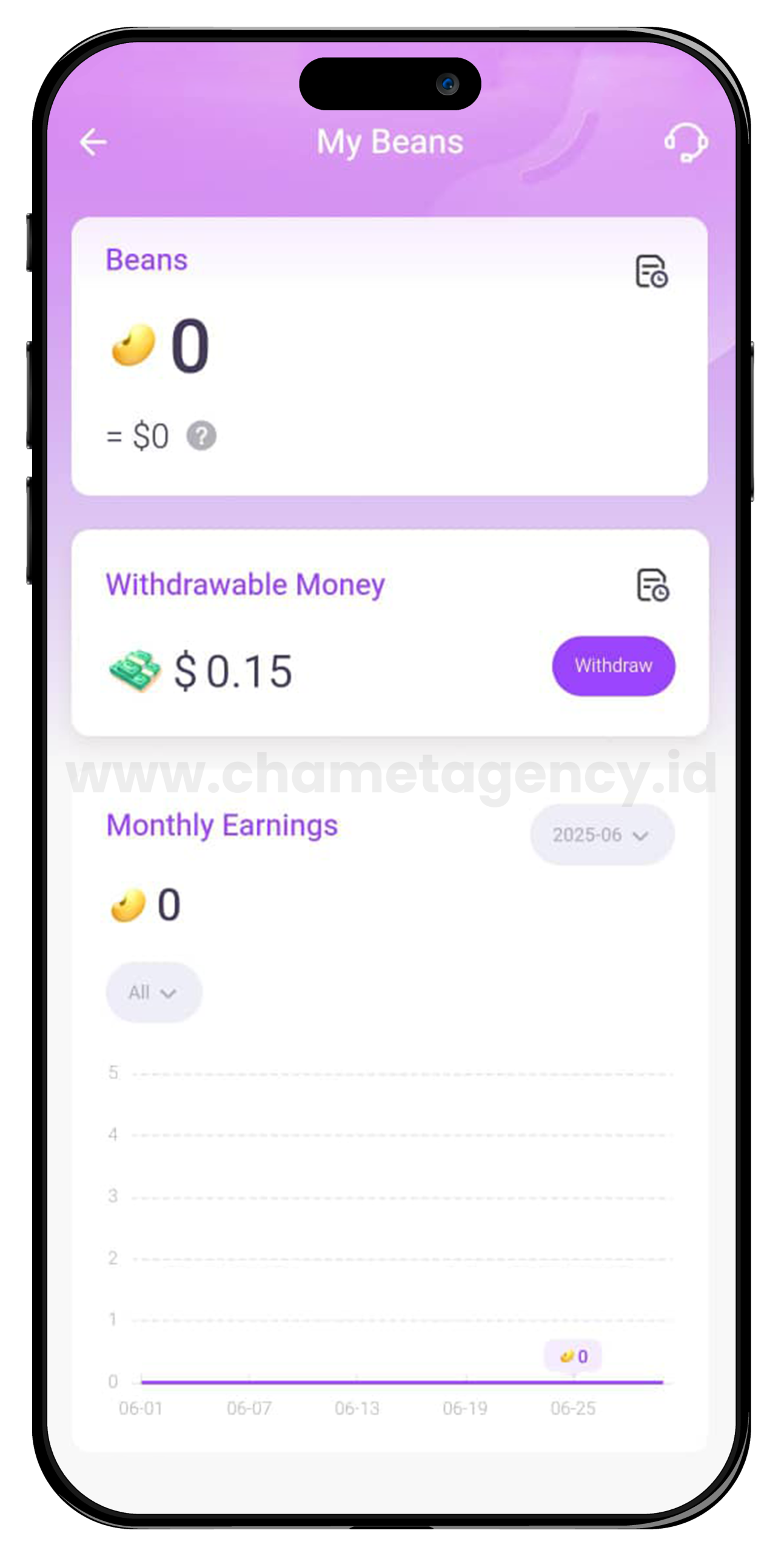
- In the "My Beans" menu, select the "Withdraw" option
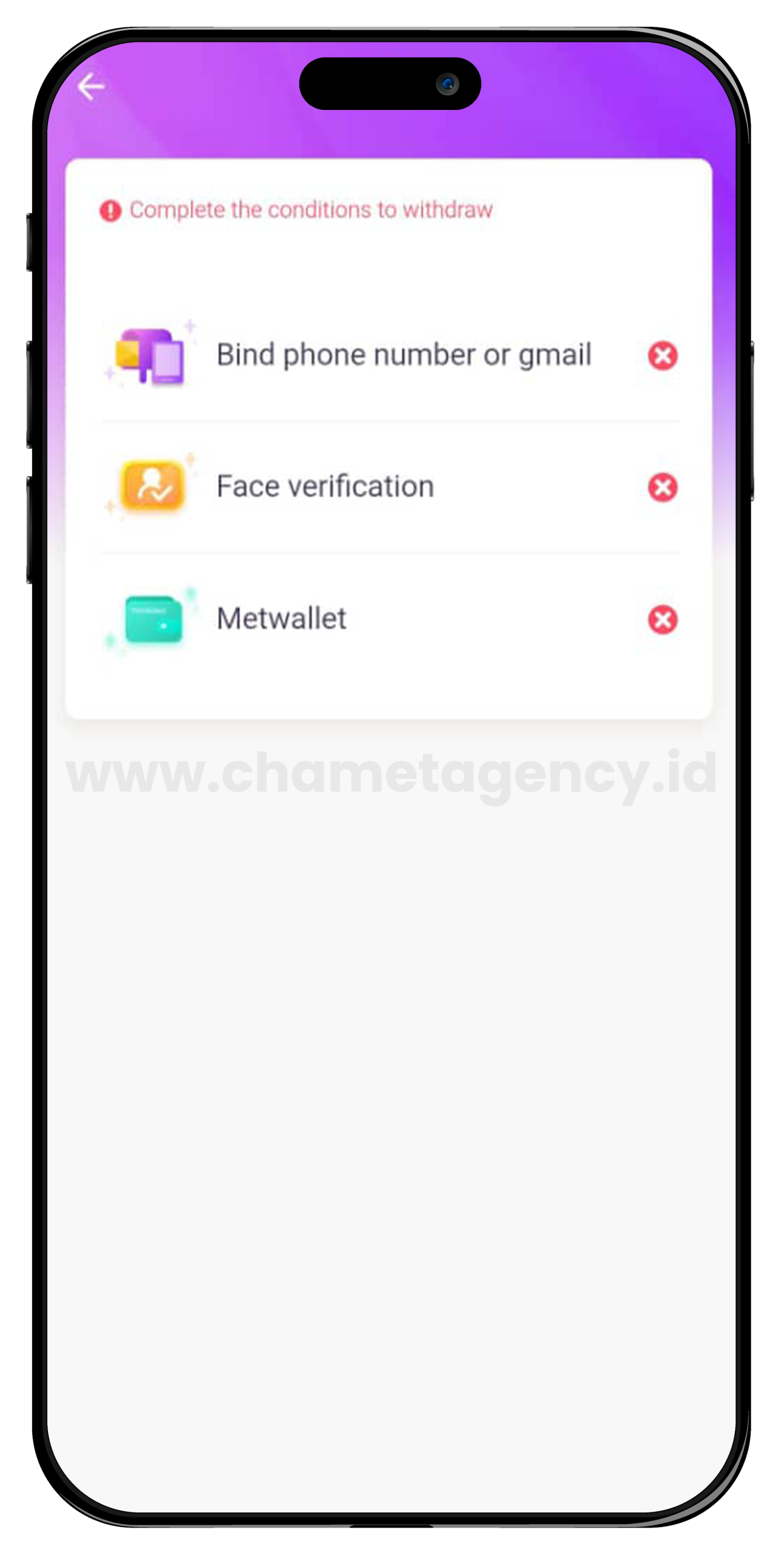
2. Complete the prerequisites
- Perform the "Face Verification" and link your account to "MetWallet".
3. Link Your Account
- Click on "Go To MetWallet". From there, you can login to your MetWallet account or create a new one if you don't have one yet
"Face Verification"
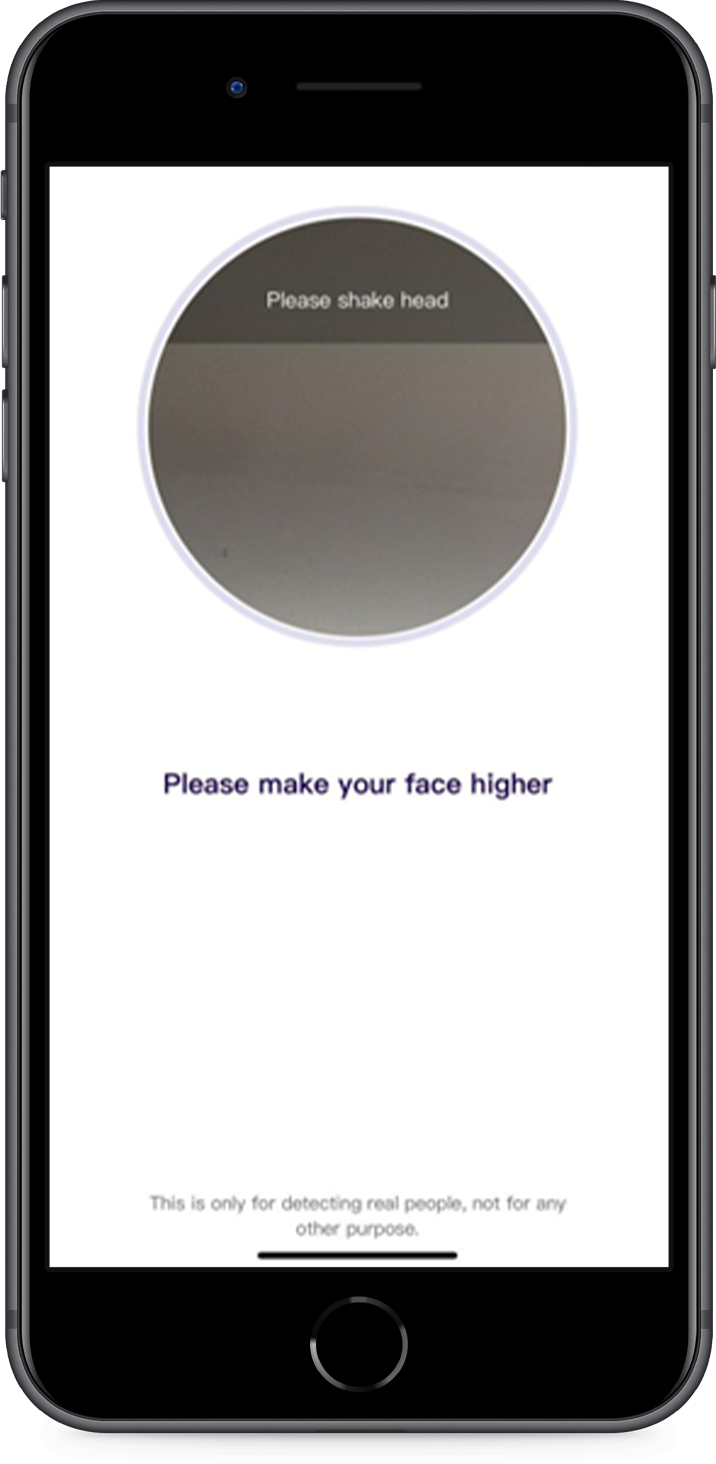
Face Verification is a mandatory step in Chamet for host registration.
Face Verification involves a circle mark that tracks your face, with the following commands:
Nod Head
Slightly raise your head.
Blink
Blink your eyes.
Open Mouth
Open and close your mouth.
Shake Head
Shake your head.
Chamet Host Streaming Options
Hosts have various options for receiving gifts and earning money
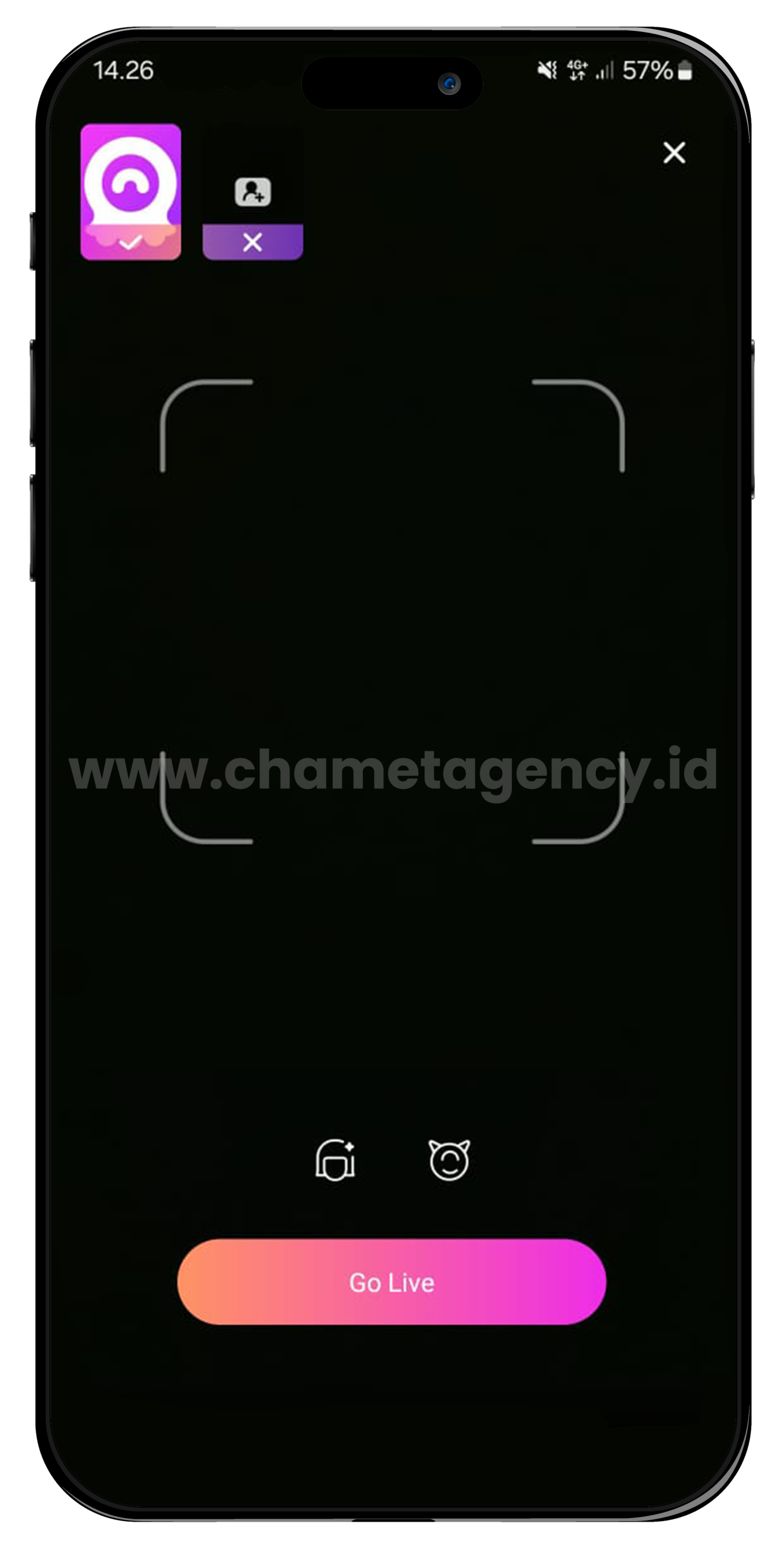
Go Live
Live streaming is a key feature of chamet app, allowing hosts to easily receive calls and earn gifts in real time.
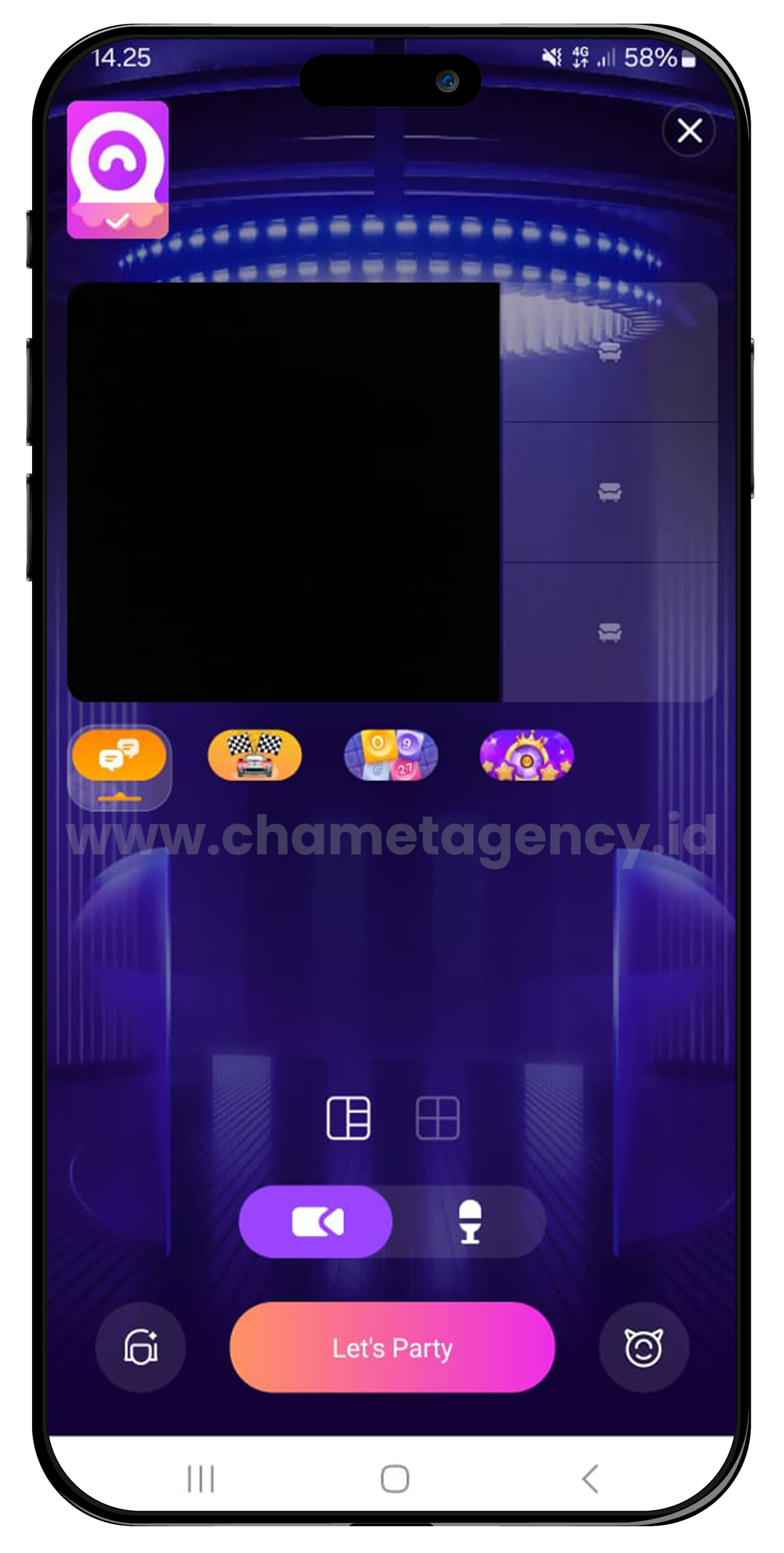
Let's Party
Chamet offers a lively community where users can participate in games to earn more beans and increase their earnings.
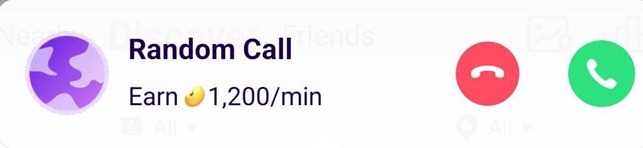
Private Call
Private Call – The private call feature helps you connect with users who are interested in chatting and have a significant number of beans to spend